Help · More rooms and screens
The TV
What the room sees: the clock, the blinds, the seats and the prizes, and every moment of the night in big letters. FeltTD drives it by itself; you choose the view.
On this page
Connecting a screenThe clockViewsAnnouncements and slidesWhat happens on its ownThe join QRWhen something is off
Connecting a screen
- On a cable in the tournament PC: Preferences › Screens & floor › OPEN HDMI SCREEN. Move the window to the TV and press F11 there. When FeltTD starts and Windows sees a second screen, it opens the TV there by itself.
- Over the network (a smart TV, a stick, a tablet): open the address of the same page, or scan its QR, in the screen's browser. It appears in the list of screens; name it there.
- Sound: the TV plays a chime at a new level, a gong at a break and a beep when one minute is left, plus your Automation sounds. A browser plays sound only after a touch: if TAP FOR SOUND shows in the corner, click or tap the screen once, or press a key on its keyboard.
- With one tournament open, every screen shows it. With more open, choose per screen which one it follows (Preferences › Screens & floor); a screen without a choice waits and says so.
The clock
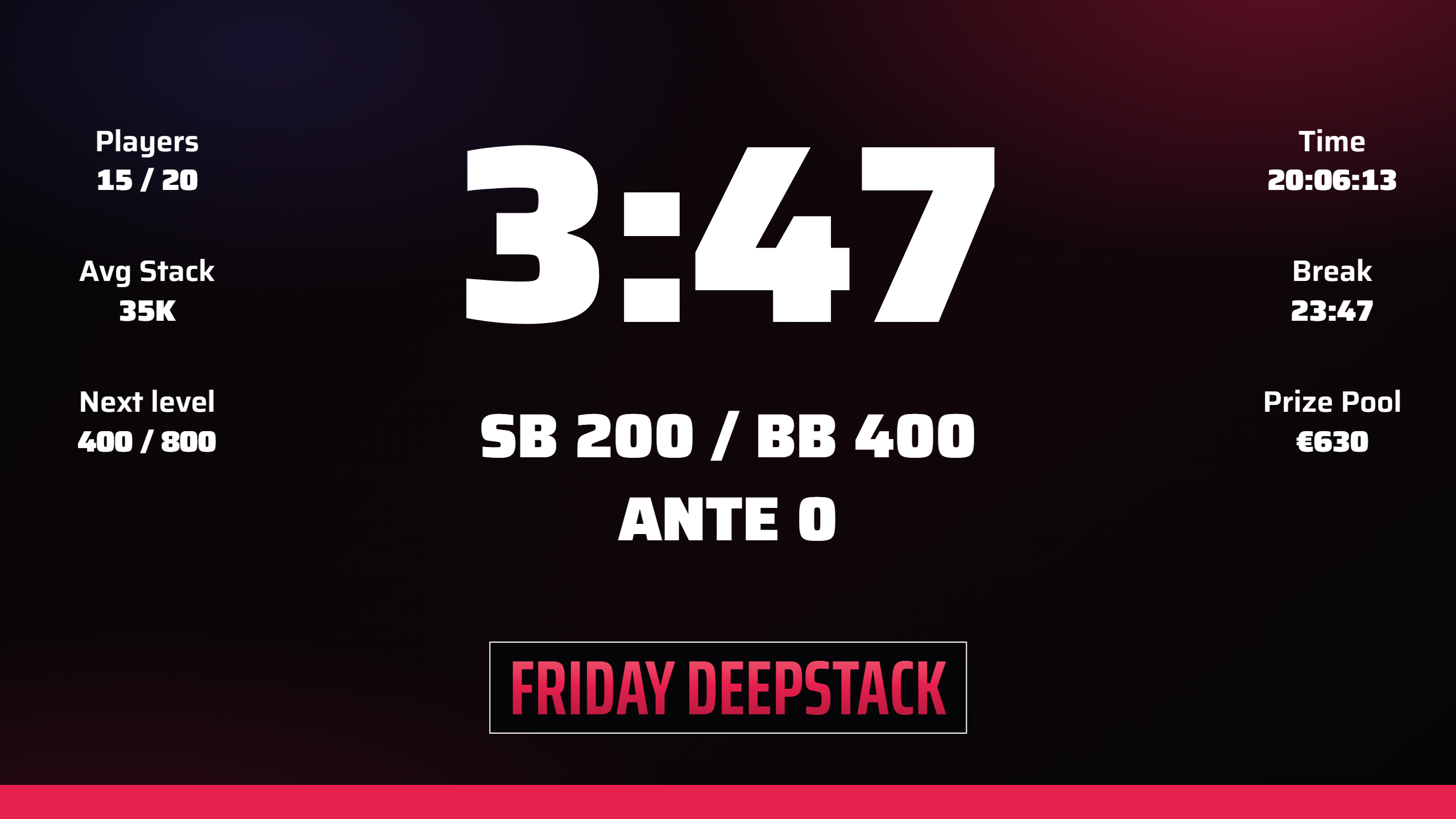
- The time left in the level, the blinds and ante, the next level and the next break; players left of the entries, the average stack and the pot (the remaining pot once prizes are paid), and how many places to the money.
- Until late registration and rebuys close, the top line says until when; after that it turns through the prizes, five places at a time.
- The last minute is in the warning colour; a break shows BREAK, and the colour-up call before and during a chip-up break.
- The look is your screen template; the words are your status messages.
Views
The buttons in the manager's top bar choose what the screens show; click the lit one again, or CLOCK, to go back to the clock. The floor phone has them too (all but RANK).
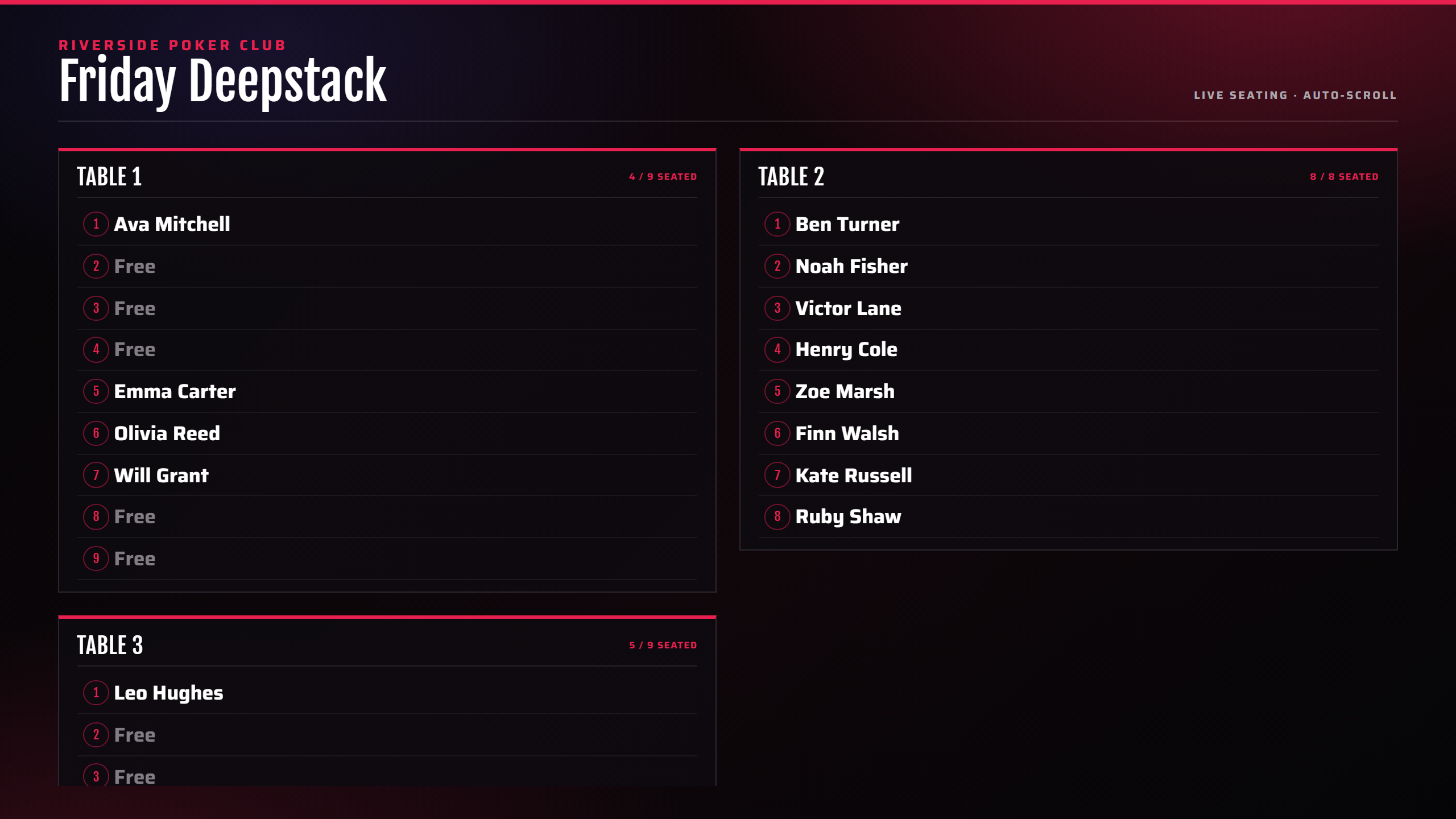
- LOBBY (before the start): the tournament, buy-in, how many registered, a countdown to the start, and the join QR.
- SEATS: every table with its players. With Seating on the screen by name (Tournament tab) it is an A–Z list, easier to find yourself in.
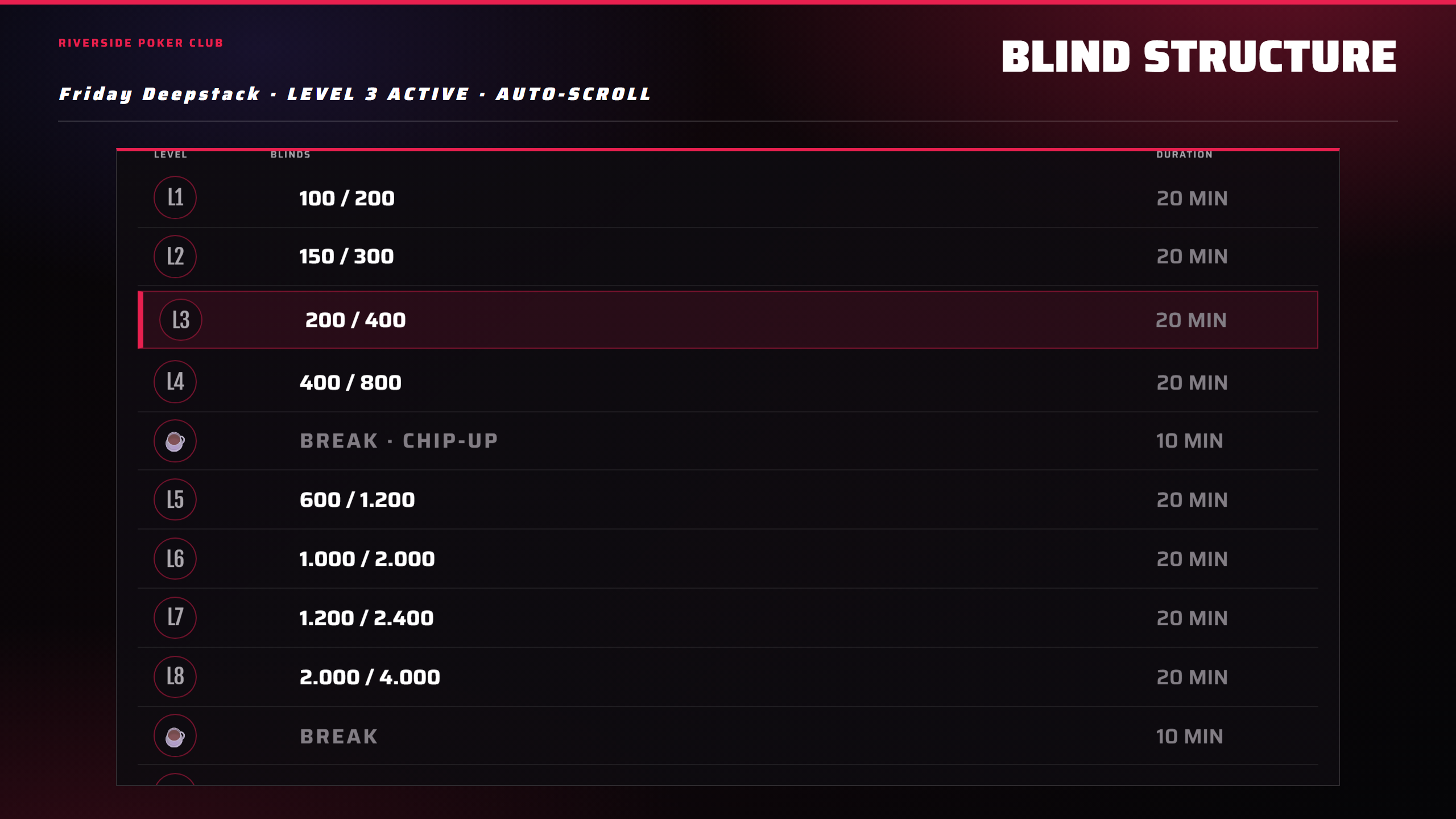
- BLINDS: the whole structure, the current level marked, breaks and chip-ups included.
- RANK: the top 30 of your league.
- CHIPS: the counted stacks, with big blinds (once a stack is counted).
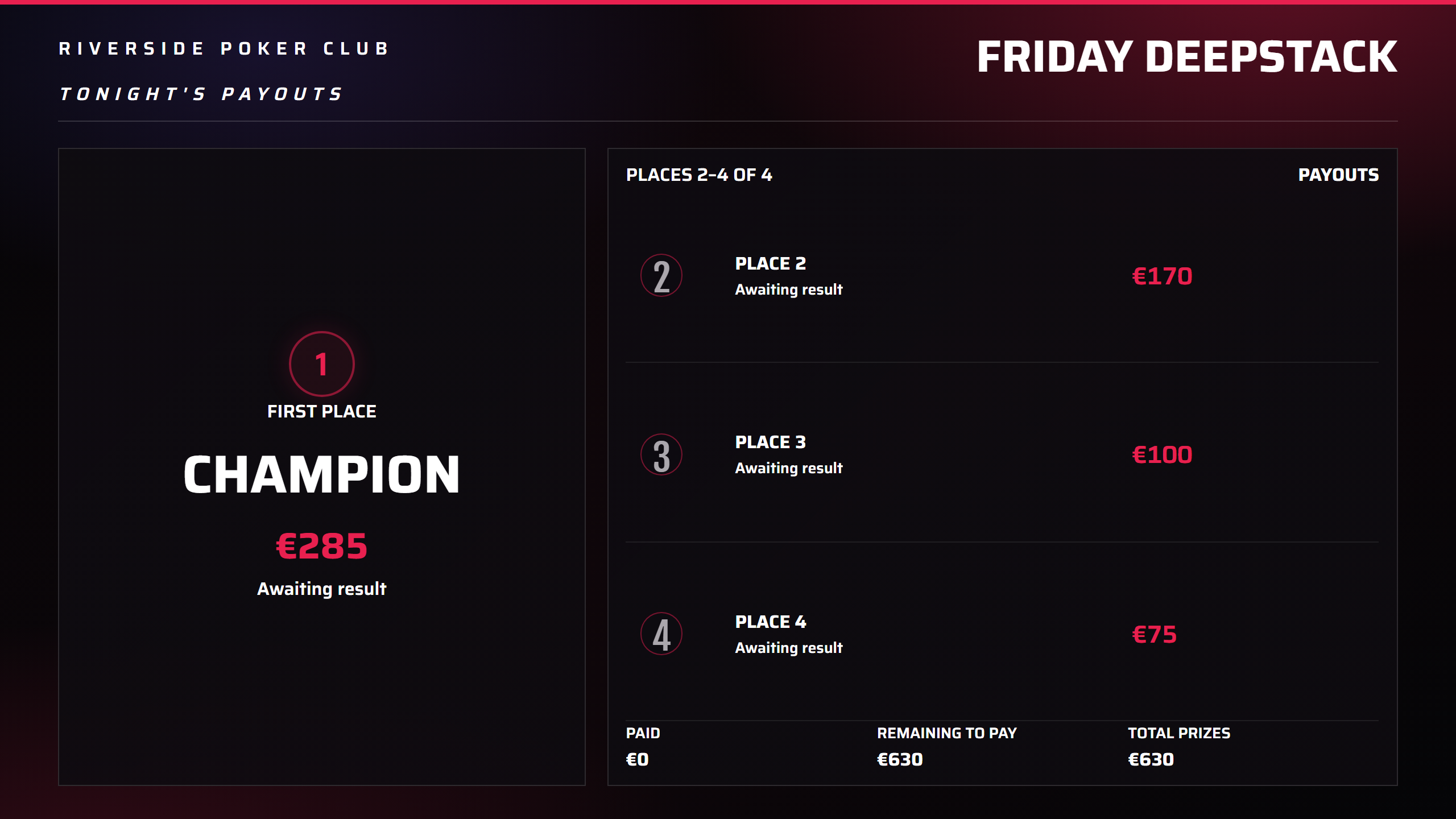
- PRIZES: the payouts, first place large, and who has been paid (when Show payouts on display is on).
- PODIUM: from three players left, and at the end.
Announcements and slides
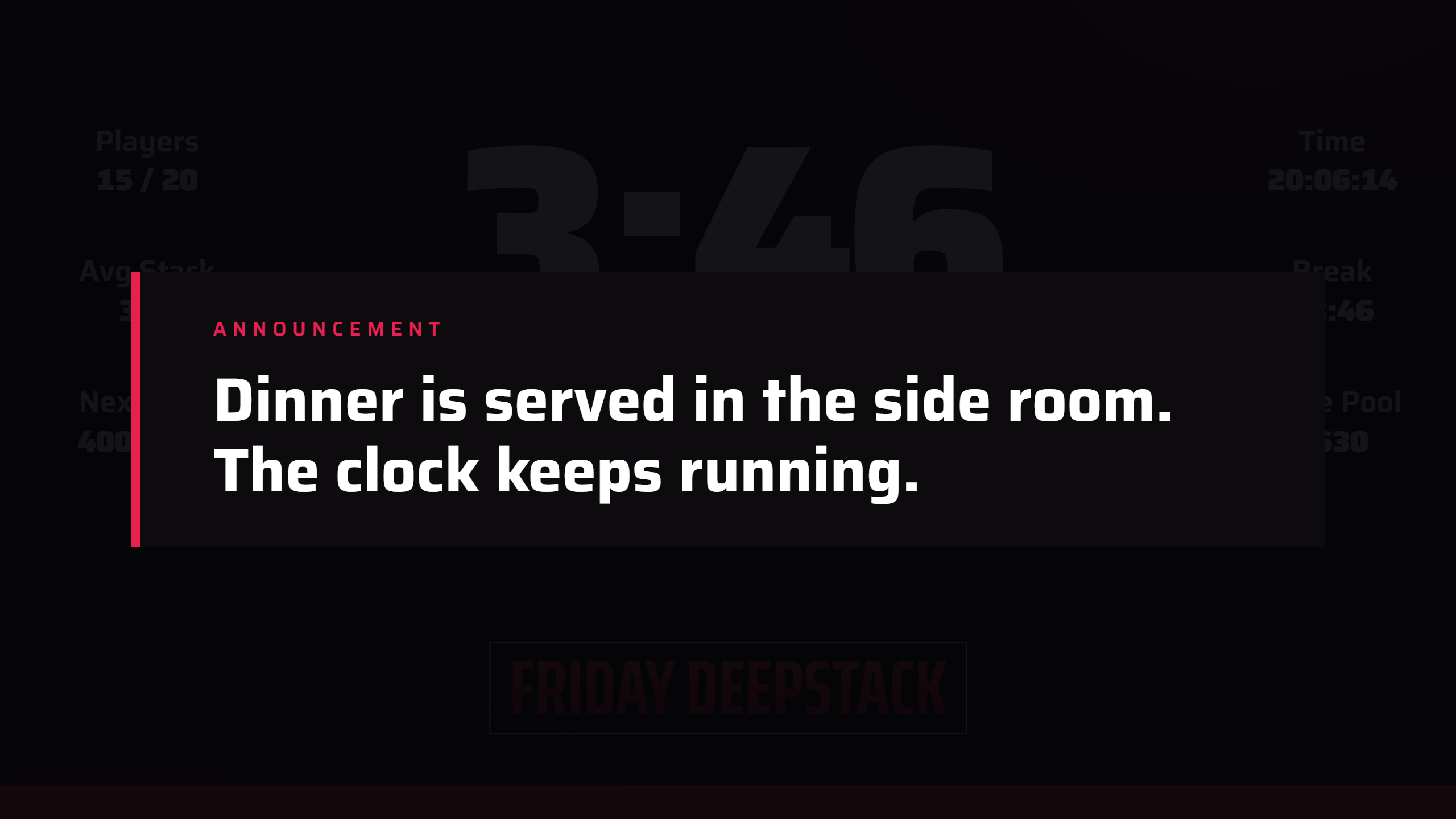
- Announcement (the megaphone): your words over the whole screen for 1 minute, 5 minutes or until cleared.
- Table break and balancing: the new seats for two minutes, with the clock still running (BREAK / MOVES shows them again).
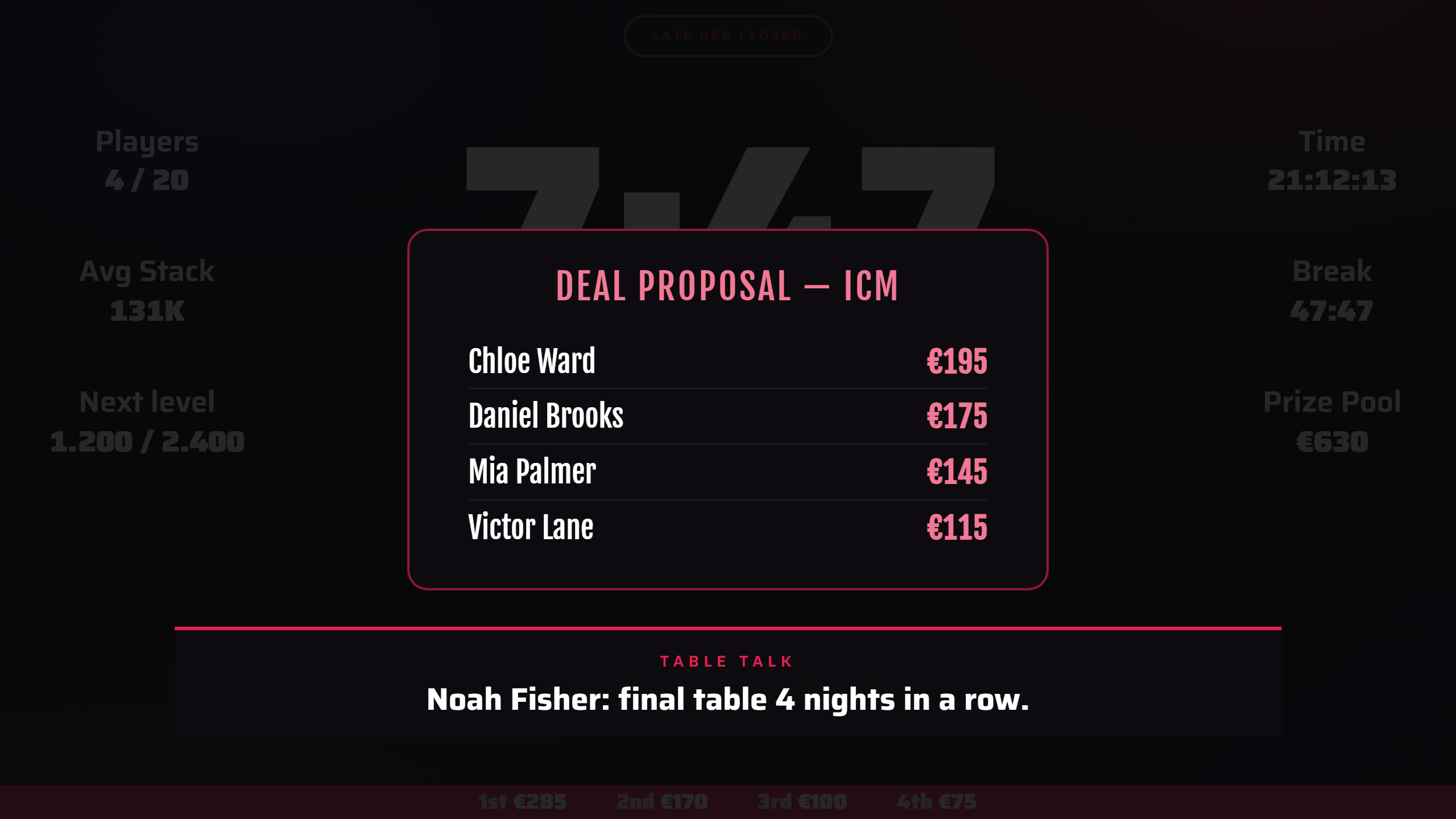
- Deal and mystery bounty: the proposal or the envelopes from Tools, until hidden.
- TDA rule: a rule or a house rule, for the time you choose.
- Hand-for-hand: a banner with the hand number while the clock stands still.
- F4 in the manager takes a slide off; CLOCK does too. An announcement or a rule stays until you clear it.
What happens on its own
- A bust: a line at the bottom with the name and the place (and the prize when in the money). The winner gets their own.
- A badge for the moment: LATE REG CLOSED, BUBBLE, FINAL TABLE, HEADS-UP, PAUSED (one at a time).
- Table Talk facts at a bust, in breaks and in the lobby; your Automation sounds, videos and messages; Lucky bust.
- At the end: the champion and your closing word.
The join QR
On the lobby view (unless switched off on the Tournament tab), players scan the QR and put their name on the list: they appear in the Players tab as registered, not paid, and pay and get their seat at the desk. Known players are matched by name. The QR belongs to that tournament, also with several open.
When something is off
- A red dot top left: the TV lost FeltTD. It keeps the clock running and comes back by itself.
- “Tournament Director is closed”: FeltTD was stopped; the screen returns when it starts again.
- A screen shows its name and “Waiting for a tournament”: more than one is open, or none; choose for it in Preferences › Screens & floor.
- Which screen is which? Identify in that list puts the name on it for five seconds.
- A screen looks wrong after an update: Tools › System maintenance › RELOAD ALL SCREENS.
- Moving the mouse on the TV shows a Choose host button for a few seconds: for a screen that should show another FeltTD in the club.