A screen everyone sees.
A floor that can act.
The TV watches the night. Your staff work from the tables. The desk stays in control. Everything joins through your club’s own network.
Clear from the
far table.
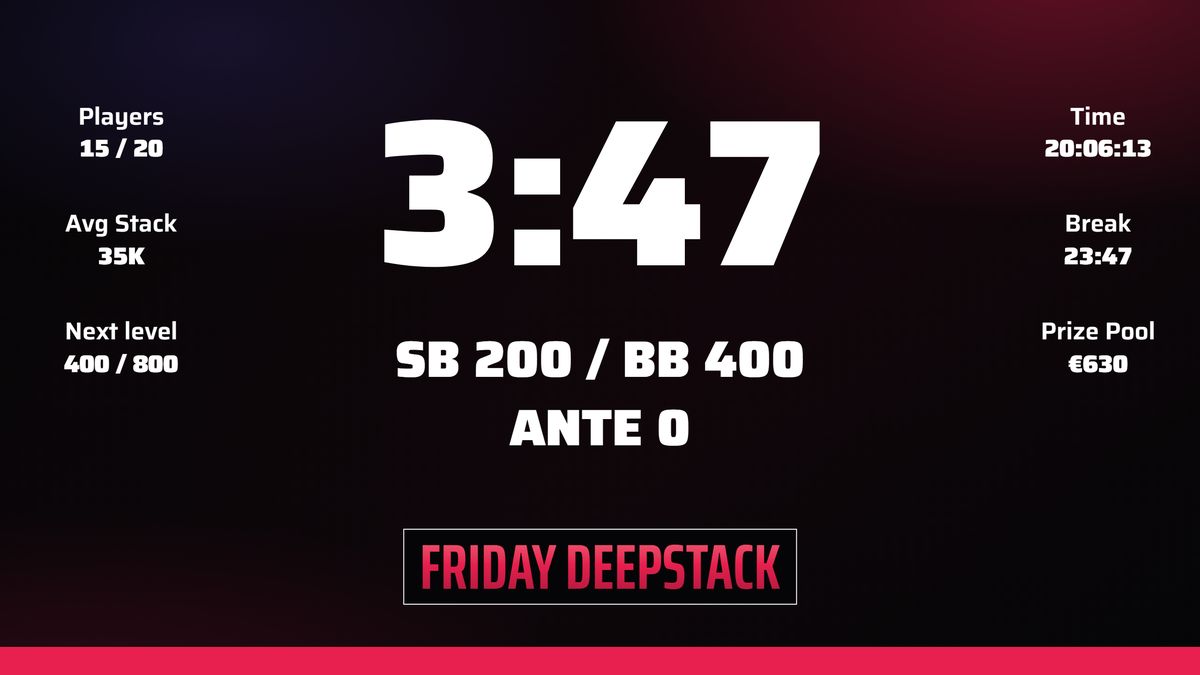
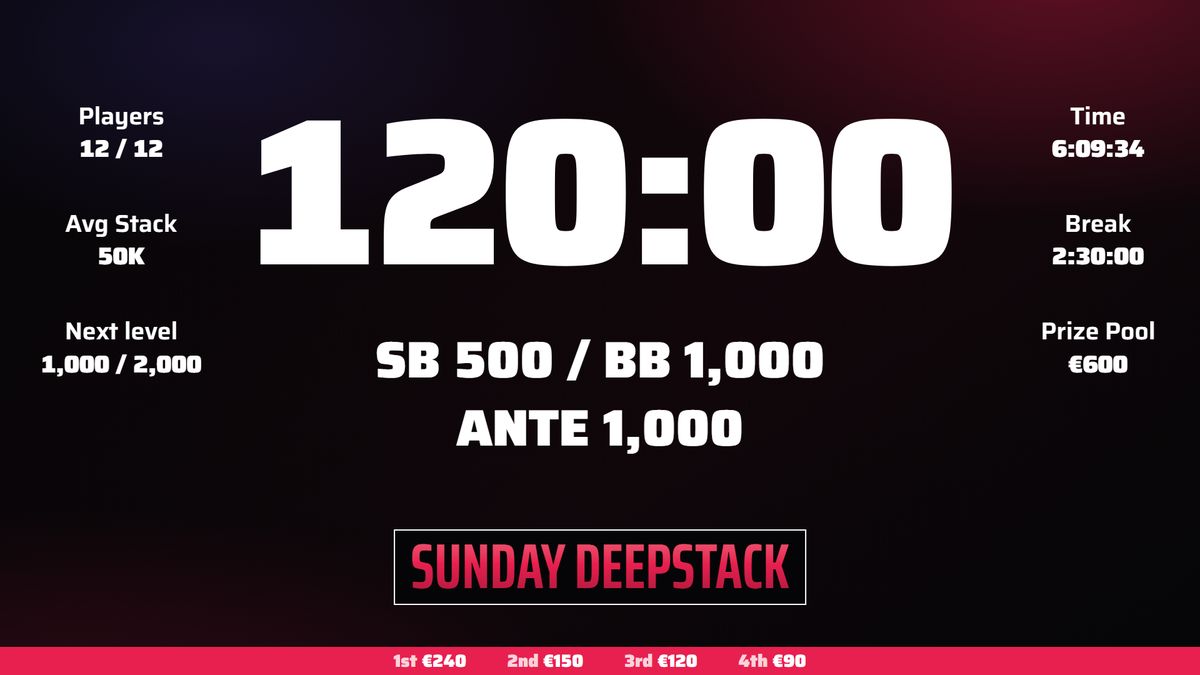
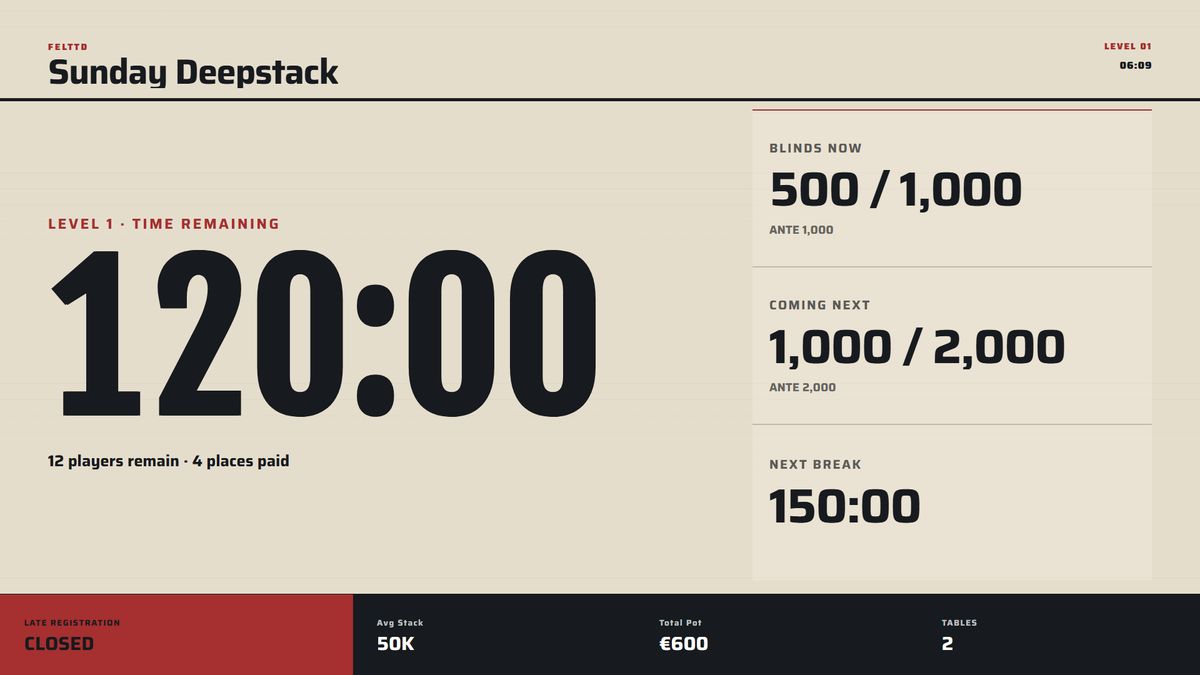
A big clock, the current blinds and ante, and what comes next. Switch to the seats, prizes or league standings when the room needs them. Your club’s colours and artwork make it feel at home.
- Main TV on HDMI. FeltTD can open the clock on the connected screen.
- More screens on the network. Give each a name and choose the tournament it follows.
- Useful views. Clock, lobby, seats, blinds, chips, ranking, prizes and podium.
Right there.
At the table.
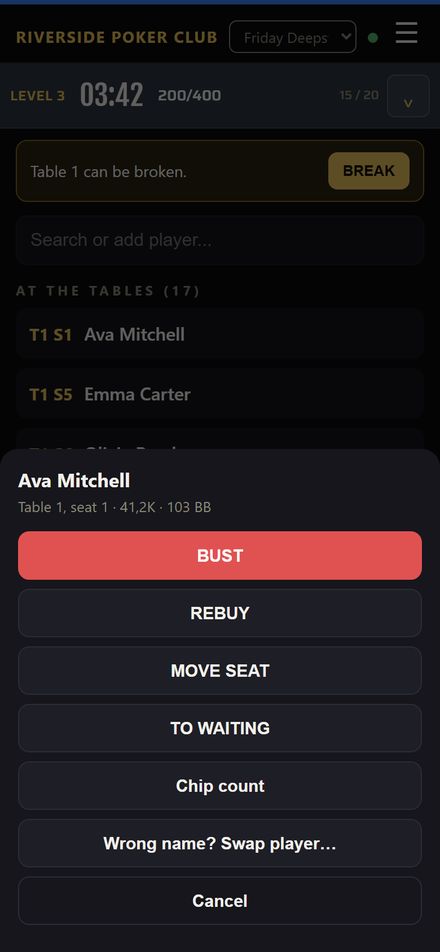
Scan the QR and ask for access. Once approved, the floor can register, bust, rebuy, move a player or count chips from a phone. A tablet gives the desk more room to work.
- No app to install. Open the floor in the browser.
- Rights you choose. Floor or full TD, approved on the host PC.
- One shared night. The phone, the desk and the screens follow the same tournament.
Say the right thing.
At the right moment.
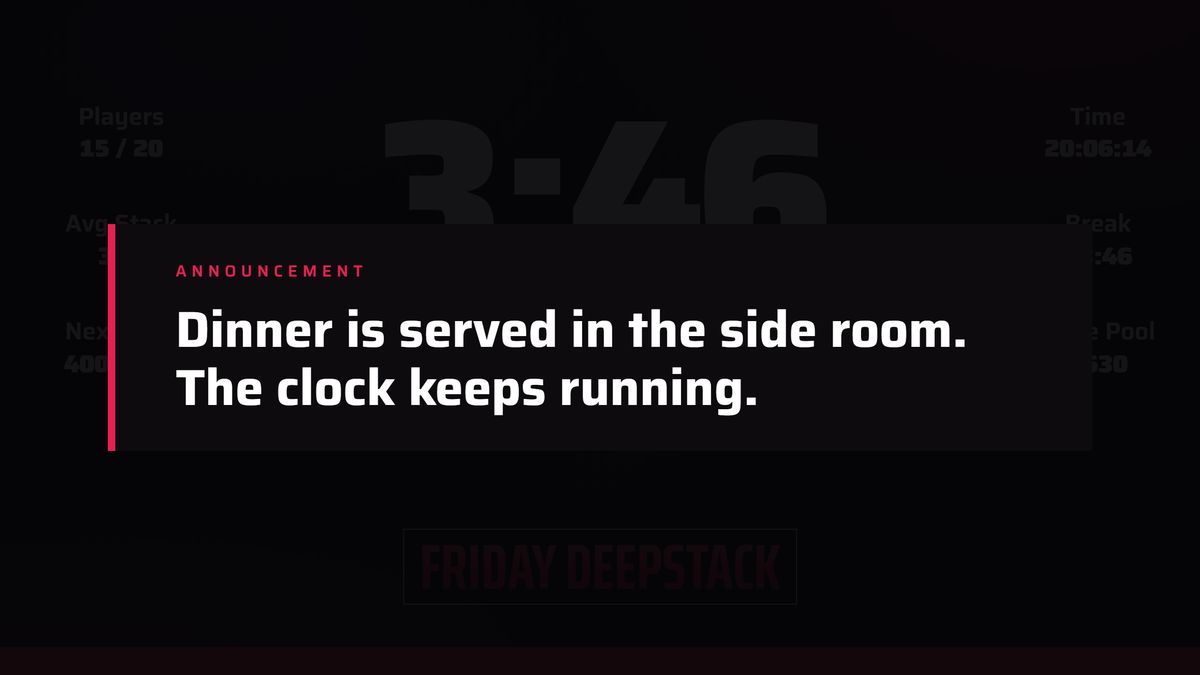
An announcer for the start, the next blinds and the bigger moments. Add a message for the kitchen, a scheduled reminder or a line from the club’s own history during a break.
- One voice at a time. Announcements share a queue.
- Make it yours. Use the built-in sounds or your own recorded clips.
- Made once, played locally. Online voice creation is optional; saved clips play offline.
Find your screen.
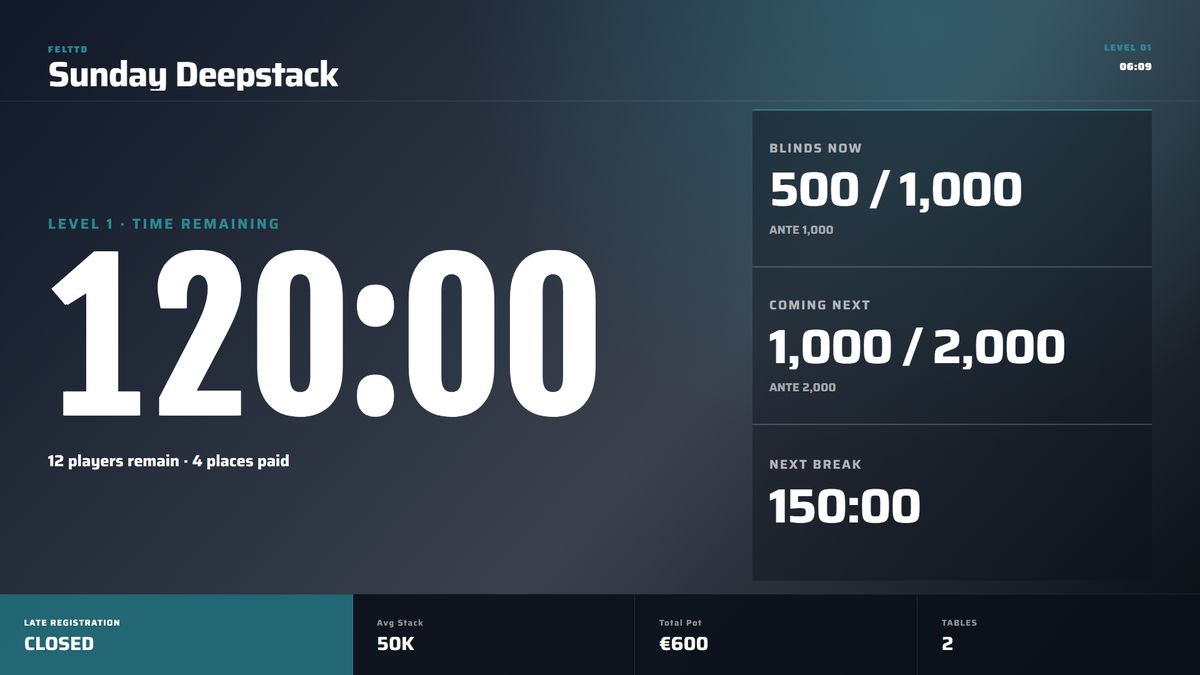
Nine looks, including subtle Motion versions. Adjust colours and artwork, then preview the views before changing the TV.
The details, when you need them.
Open a topic. Keep the rest out of the way.
A clock everyone can read from the far table.
Time left, blinds and ante, the next level and the next break, players left, average stack, the pot and the places to the money. Once registration closes it rotates the prizes five at a time. Connect the TV by HDMI and FeltTD opens the clock there by itself; or open an address on a smart TV, a stick or a tablet.
- Views: clock, lobby with countdown and join QR, seats by table or A–Z, blinds, the league’s top 30, chips in big blinds, prizes, podium.
- Overlays: an announcement for a minute, five, or until cleared; new seats after a break; a deal proposal; mystery bounty envelopes; a TDA rule; the hand-for-hand banner.
- Automatic: a bust line with name, place and prize; badges for late reg closed, bubble, final table, heads-up, paused; champion and closing word.
Your colours. Your artwork. A live preview before the TV changes.
Aurora, Grandstand, Signal, Heritage, Classic and Signature, plus Motion versions with a slow glow. The club picks its colours and a background, with a warning when a colour is hard to read. Eleven views preview live in the template studio. Save a look to the library, take it to a second PC, or receive one as a file.
- A light look (Heritage) for a bright room.
- Red and blue stay ours: red means something is wrong, blue means a break, in every look.
It speaks at the moments that matter. Never over itself.
FeltTD comes with an announcer: “Shuffle up and deal!”, blinds up, registration closed, the bubble, in the money, the final table, three left, heads-up, the winner. A new club starts with it; every line can be changed or switched off. Behind it is a when/then engine: at about twenty-five moments of the night, play a sound, a full-screen video or a message on the TV.
- One voice at a time. Sounds queue instead of talking over each other, and only the bigger moment speaks: the winner outranks a bust.
- Several files on a rule: one plays each time, never the same twice in a row.
- Hotkeys for the lines you say by hand. Test any rule now.
- Your own voice lines from the voice studio, made once with internet, played offline forever.
Status messages, quick announcements, Table Talk.
Ten states the room reads in your words and colours: waiting, break, colour up, late reg closed, bubble, final table, heads-up, paused, champion, a closing word. Beside them, the messages you post: the bar closes in ten minutes, phones off the table. Each with a duration, a hotkey, a sound, and a daily time if you want it posted by itself every night.
- Table Talk puts facts from the club’s own history on the screen: milestones, hot streaks, rivalries, records, a birthday on the day itself, never with an age.
- Two languages: the manager in one, the room in another.
Connecting the room
Use HDMI for the TV on the tournament PC. Other TVs, tablets and phones join through the club’s local network; the PC can be wired. Read-only screens connect without approval. Devices that change the night ask for access and are approved by the desk.
The views and overlays
Use the clock, lobby, seats, blinds, chips, ranking, prizes or podium. Announcements, table moves, deal proposals, mystery bounty and rules can appear over the view. Choose which tournament each screen follows.
Ready for your room?
Connect a TV, approve the floor phones and run your first night.