Help · More rooms and screens
The floor phone
The tournament in the hand of whoever walks the floor: busts, rebuys, seats, chip counts and the clock, without going back to the desk. A tablet gets a layout of its own.
On this page
Getting inClockPlayersOne playerTablesMenu, undo, rulesOn a tabletWhat floor rights allow
Getting in
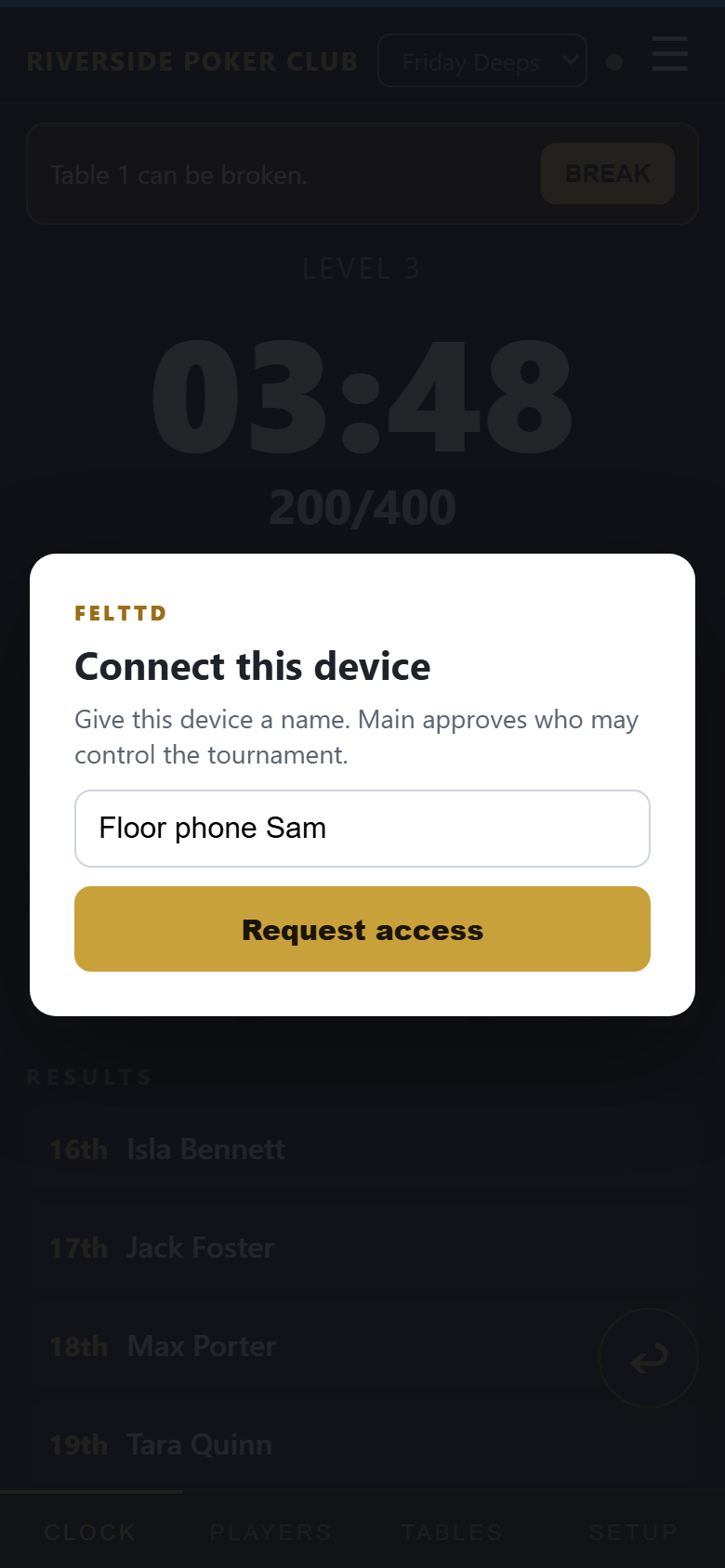
- Scan the Floor remote QR (Preferences › Devices & access, or the Tournament tab's QR for that tournament), or open the address on the phone. Phone and PC must be on the same Wi-Fi.
- Give the phone a name and tap Request access.
- On the tournament PC: ALLOW AS FLOOR or ALLOW AS FULL TD. The phone carries on by itself, and stays approved.
Add it to the home screen: it opens like an app, and the screen stays on while it is open. With several tournaments, the name at the top is a picker.
Clock
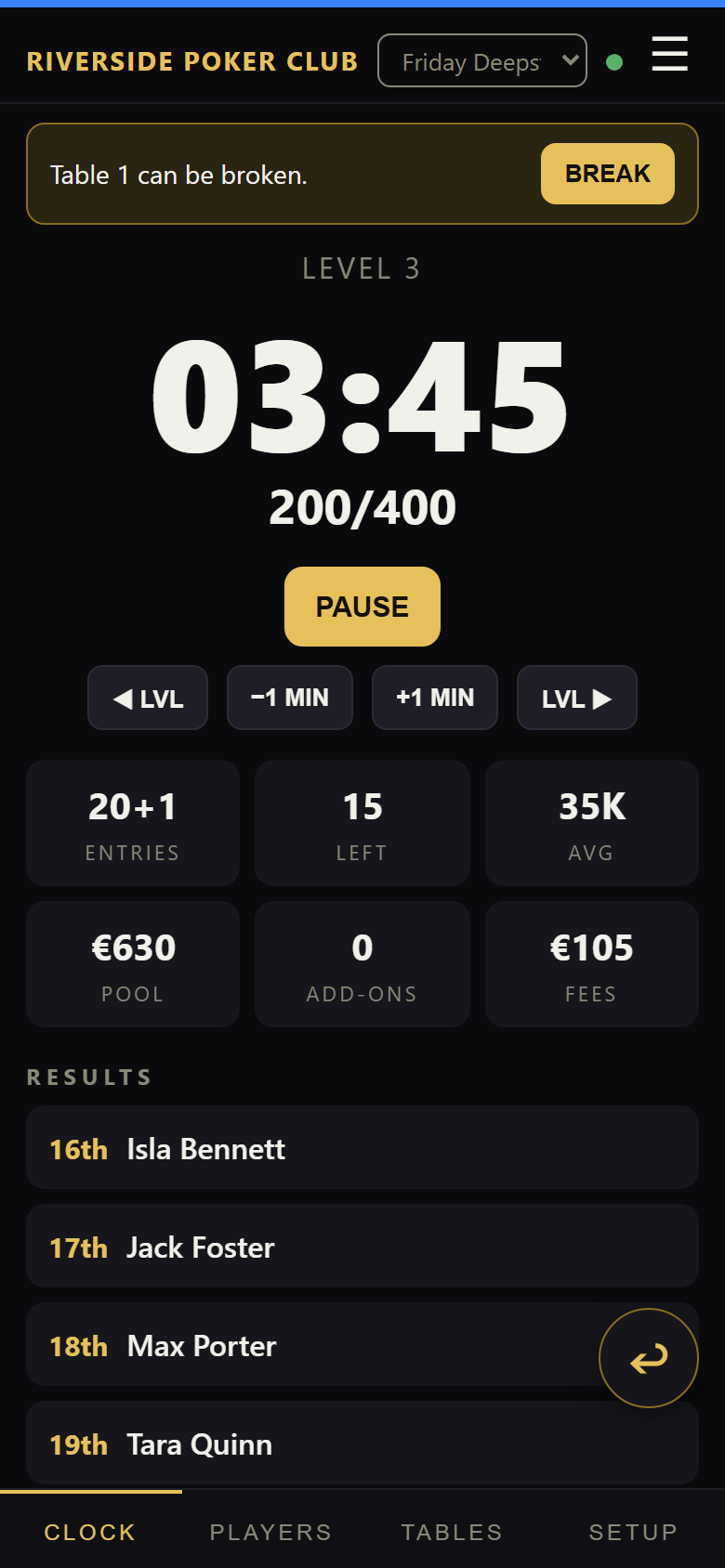
- The level, the time and the blinds; PAUSE / RESUME, −1 MIN and +1 MIN in one tap. START, ◀ LVL and LVL ▶ ask a second tap (CONFIRM?).
- Entries, players left, the average stack and the pot; the results so far and the structure.
- On the other tabs, the bar at the top shows the clock; open it for the same buttons and for what the room's screens show (CLOCK, SEATS, BLINDS, PRIZES…, each with a second tap).
Players
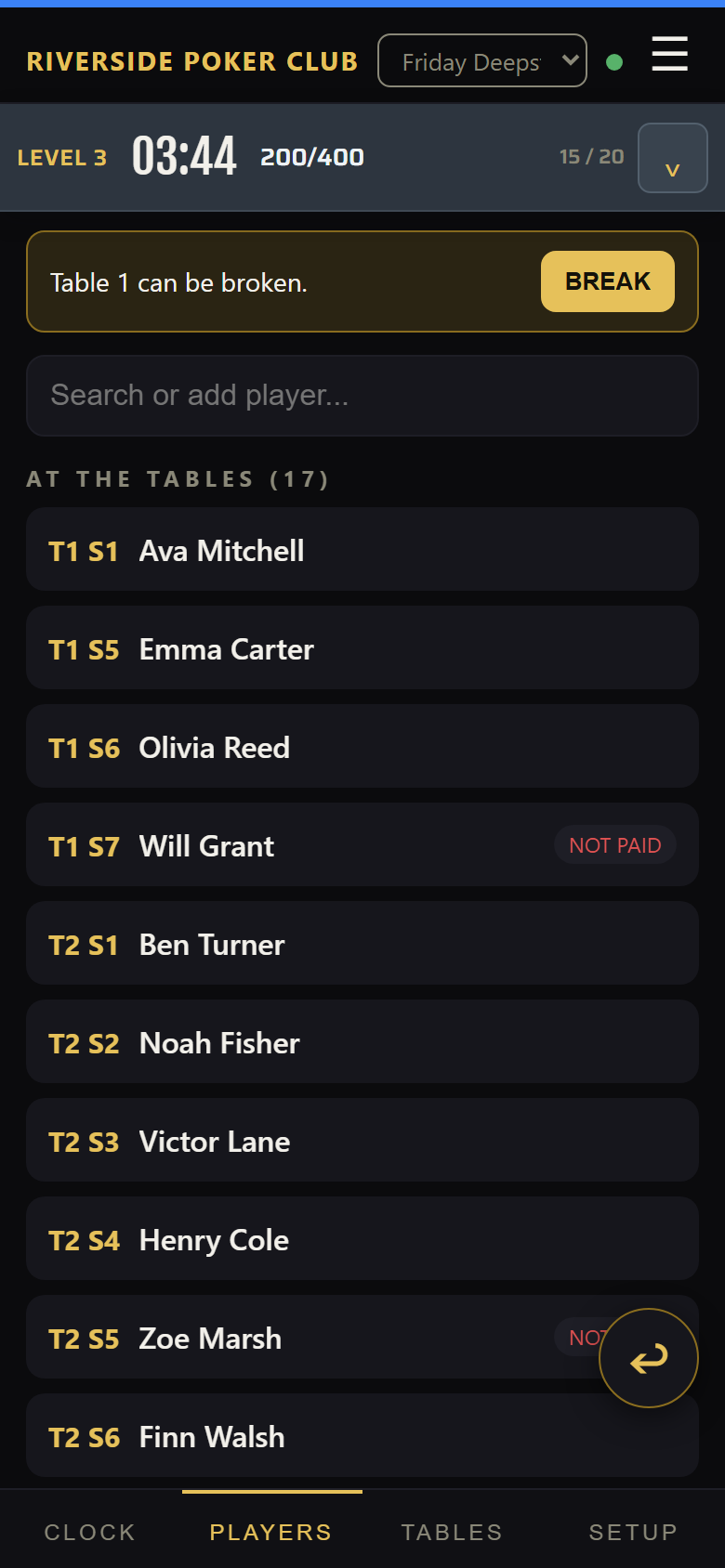
- Search or add player… finds a name. While registration is open, Register lists the club's players: one tap registers, books the buy-in and gives a seat. With buy-in choices or chip bonuses, the phone asks which first. A name FeltTD doesn't know: + name, New player.
- Waiting for a seat: registered, no seat yet (SEAT gives one); At the tables: everyone in, with their seat; Busted: the places.
One player
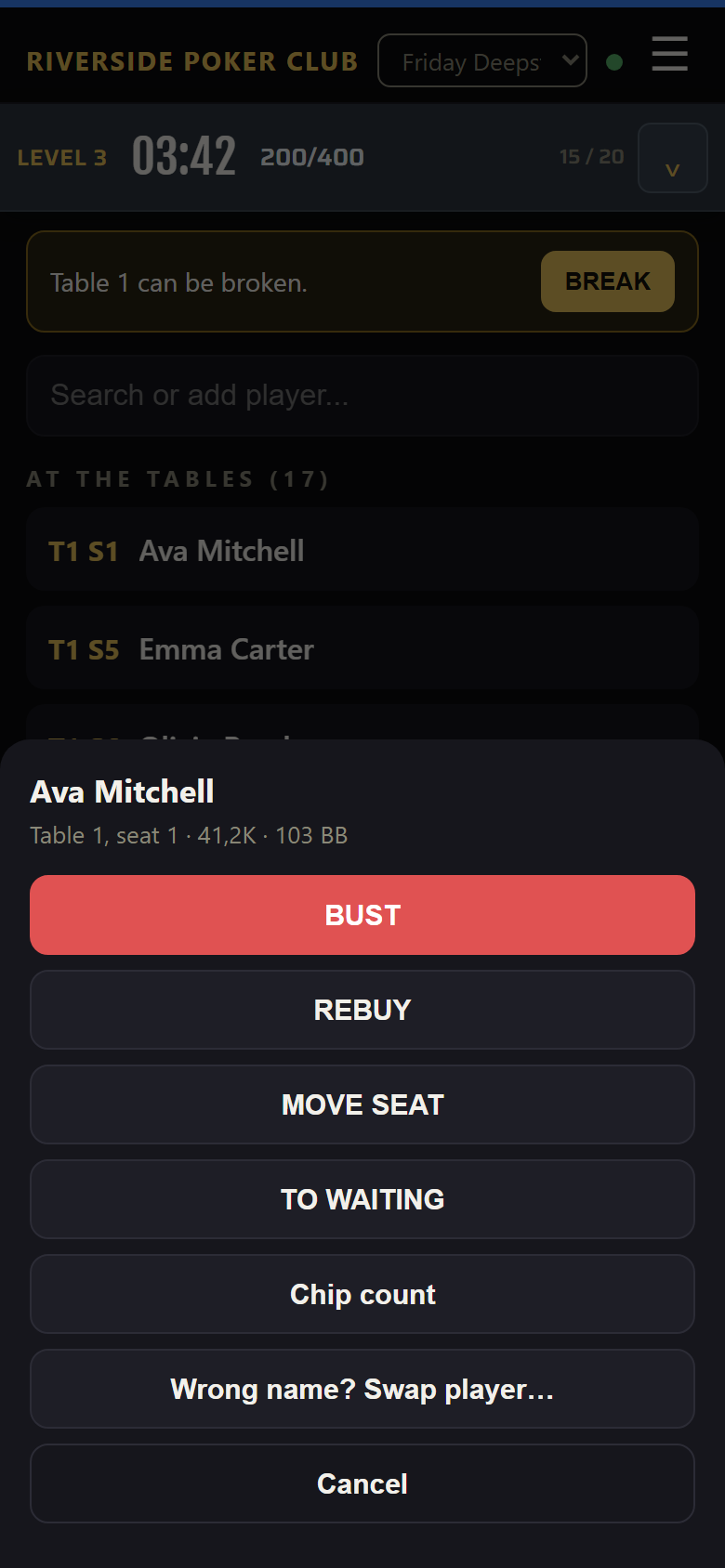
- BUST, after a confirm (“Currently 14 players left.”). On a night that pays bounties or notes who busted whom, the phone then asks who busted them: their table first, by seat, Someone at another table…, or Not noted. On a progressive knockout it shows what their bounty is worth.
- REBUY (with the rebuy options, and how many they had), ADD-ON, RE-ENTRY for a busted player while rebuys are offered.
- BUY-IN for someone registered who has not paid; UNREGISTER before they pay.
- MOVE SEAT (then tap a free seat on Tables), TO WAITING, Chip count.
- Wrong name? Swap player…: the right player takes this entry over.
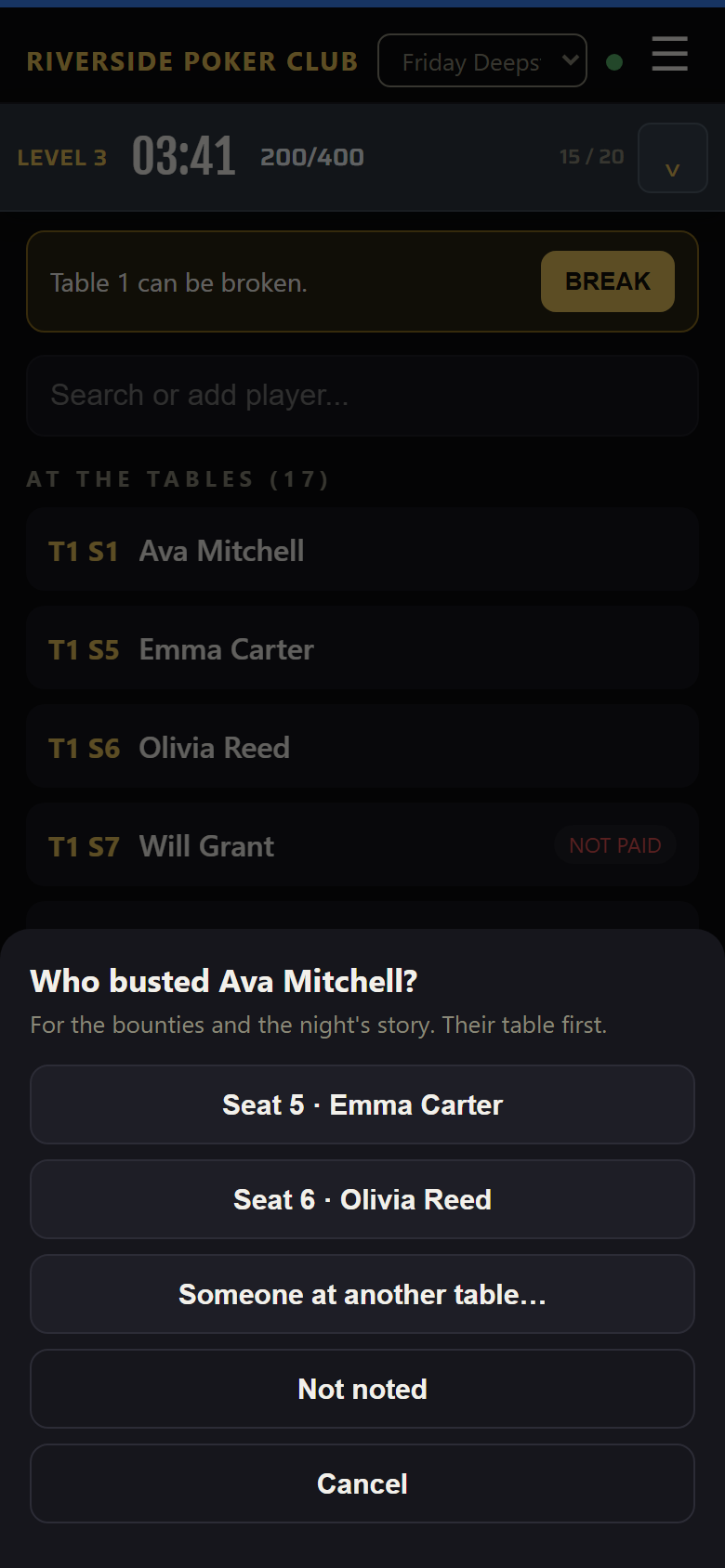
A wrong bust from the phone: undo it at once (below). An unbust of an older bust is done at the desk.
Tables
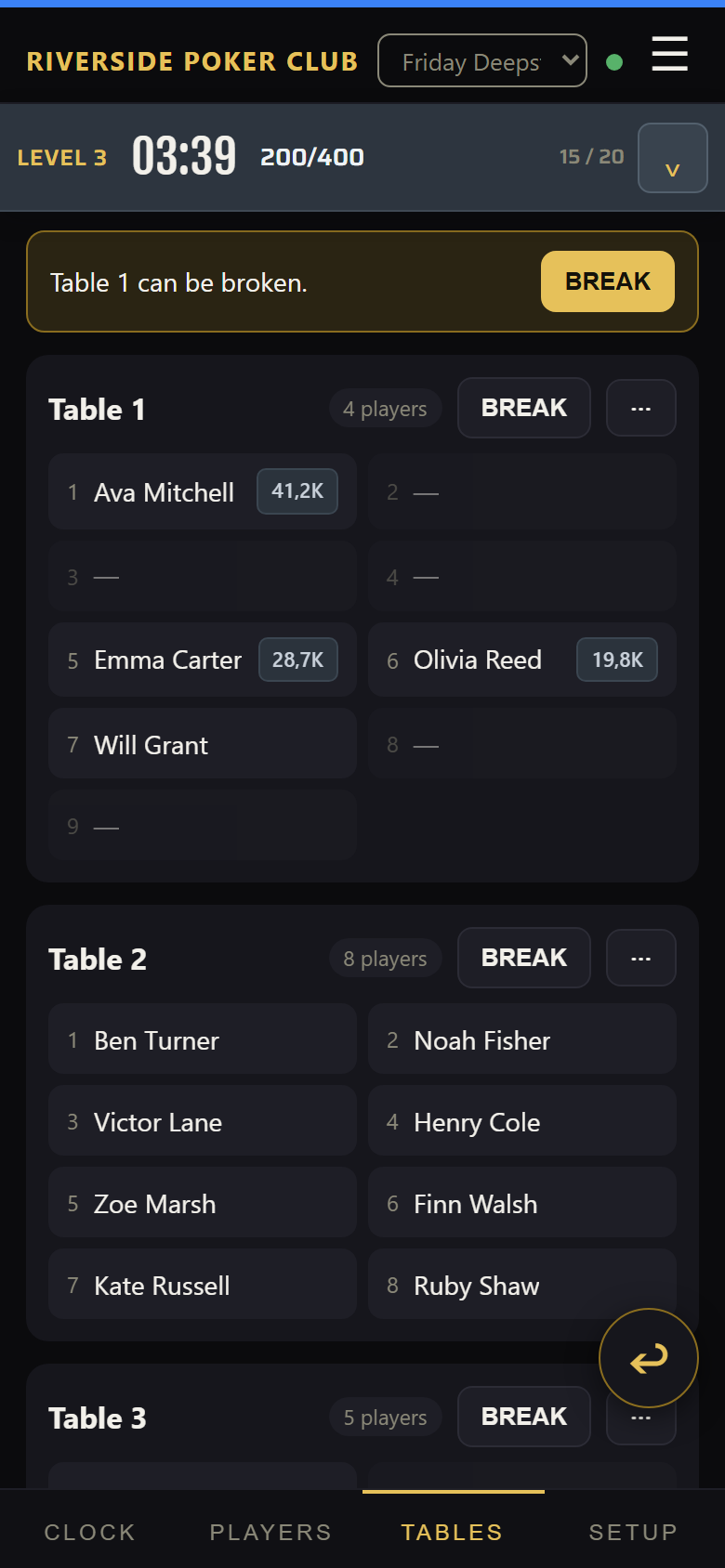
- Tap a player to pick them up, then a free seat to move them (blocked seats are not offered). Hold a player for their menu.
- A table's ⋯ (or hold its title): Count chips for the whole table (48500, 48.500 or 48.5k), BREAK, Balance the tables, One seat more / less, Close this table when empty.
- + OPEN TABLE opens a closed table again, or a new one.
- When the tables are uneven or one can be broken, a banner says so on every tab, with AUTO MOVE or BREAK.
- A move against one of the club's seating rules is done, and the phone says so in amber.
Menu, undo, rules
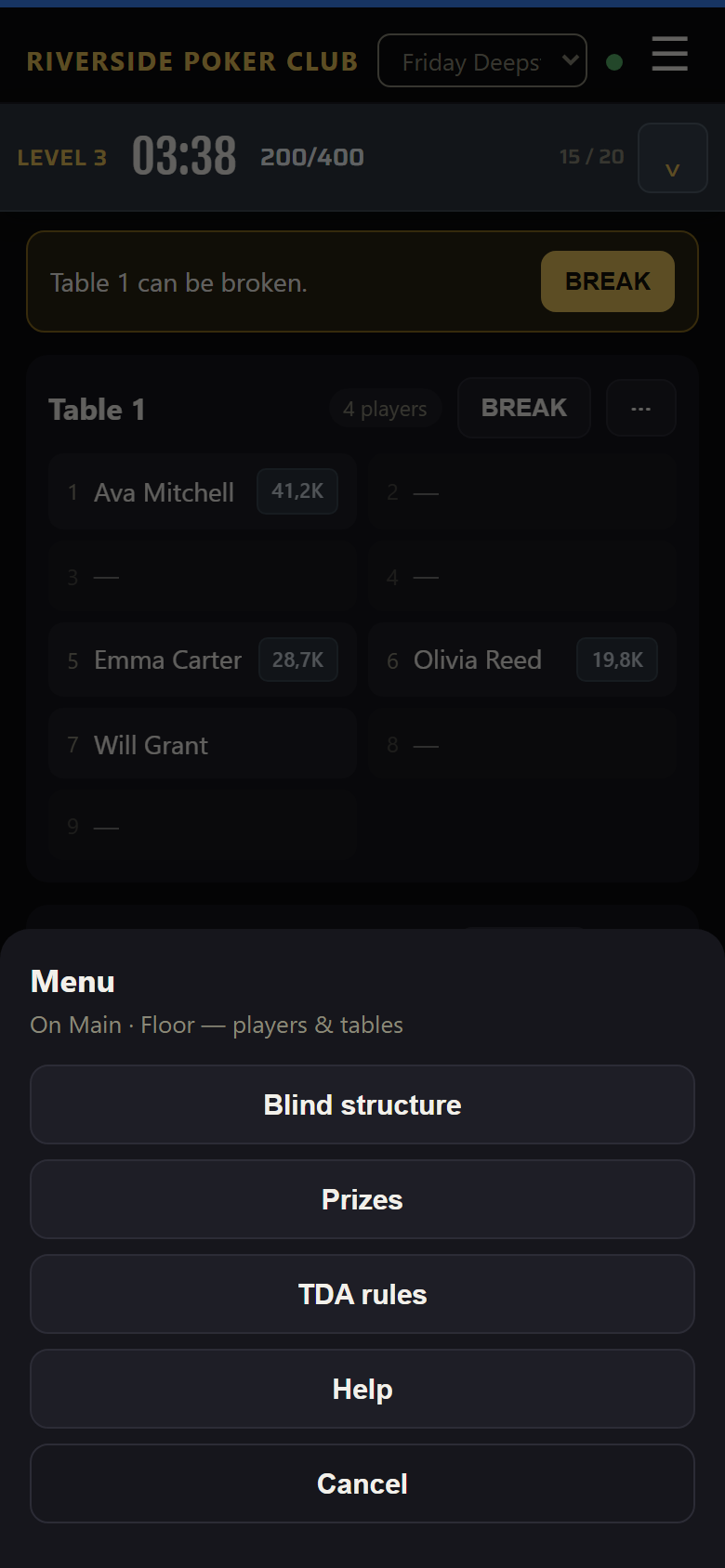
- ☰: Blind structure, Prizes and the TDA rules: search a rule (by number, word or how players say it) and put it on the room's screens for 30 seconds up to until cleared.
- ↩ Undo: takes back the newest action, whichever device did it (a registration, a bust, a rebuy, a seat change, a chip count…). If something newer happened meanwhile on another device, the phone says so instead. The clock and opening or closing tables are not undone this way.
On a tablet
- A tablet (or a large phone) gets a layout of its own: the clock bar always open, starting on Tables. The menu adds Tournament director (rename, close or open registration and rebuys, go to a level, finish), Undo the last action and Phone layout; on the phone layout, Tablet layout goes back.
- A new tournament is set up on the Setup tab (on a tablet when none is running).
What floor rights allow
- Floor: players, seats, tables, busts, rebuys and add-ons, chip counts, the clock, the screens and undo. Settings of the tournament (a new tournament, registration open or closed, a level, finishing) ask once for the four-digit tournament code from the tournament PC.
- After registration or rebuys closed, a floor phone cannot add one more: that is the desk's call, or a phone with full TD rights, which asks first and marks it as late.
- The cash room is run from the manager; the phone says so when it is picked.
- No connection: the dot in the top bar turns red and the clock keeps counting. An action is not sent then (“Not connected.”): tap again once the dot is green.