Your table.
Your friends.
Your tournament.
A game at home needs a clear clock and fair seats. Set it up in your browser, put the clock on the TV and let the first hand begin.
A separate online app for a game with friends, with its own simple browser manager. For regular club operation on your own network, choose desktop FeltTD.
Your game.
Your own controls.
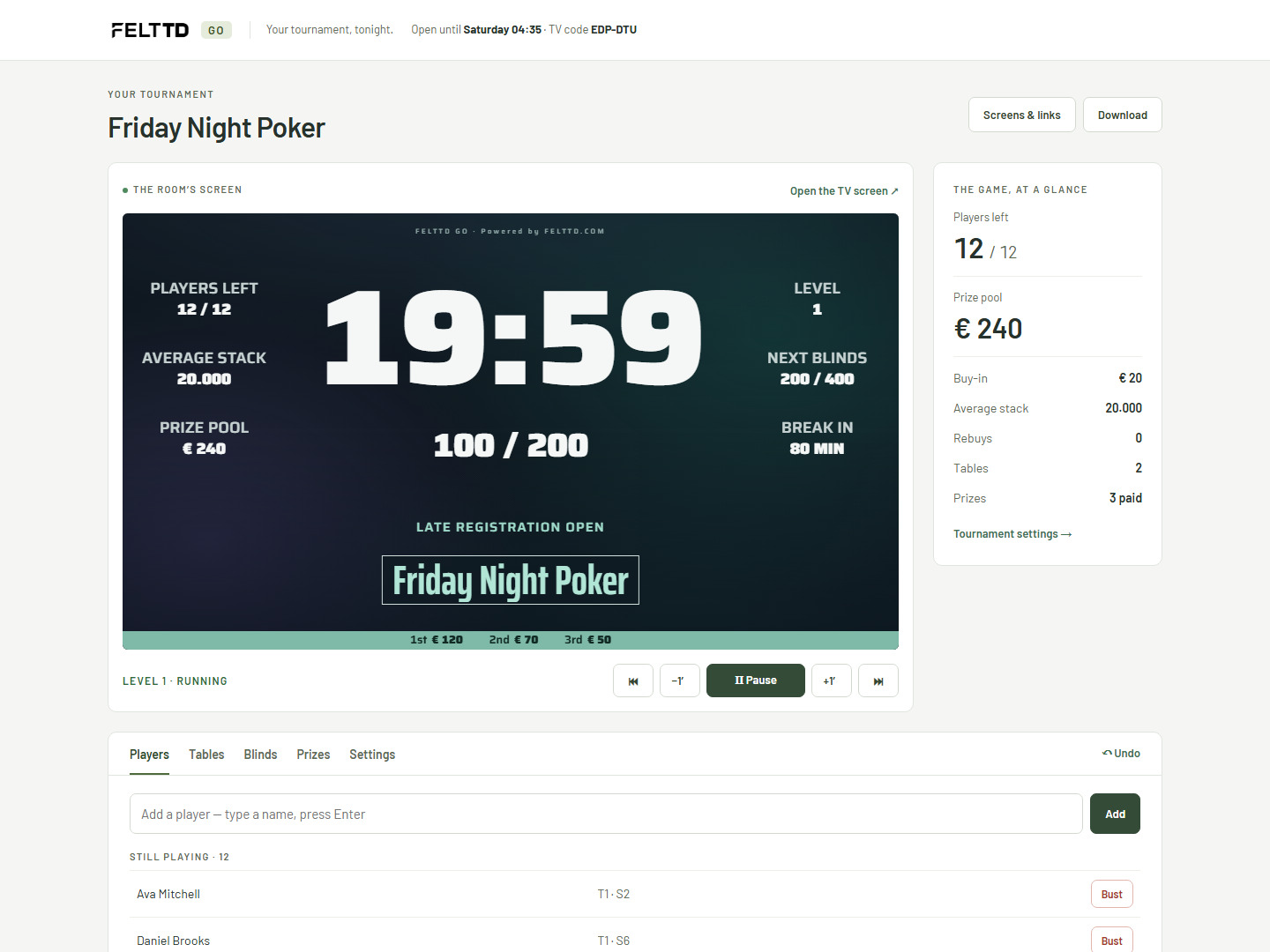
Go has its own simple manager, right in your browser. Keep the clock in view, add a late player, record who is out and check the prizes. Open your private link to come back to the same game.
- You run the game. Start or pause the clock, adjust the time and move to the next level.
- The essentials together. Players, tables, blinds, prizes and settings, with Undo close by.
- No install or account. Your private manager link is the key to the game. Keep it to yourself.
You organise.
Your friends follow.
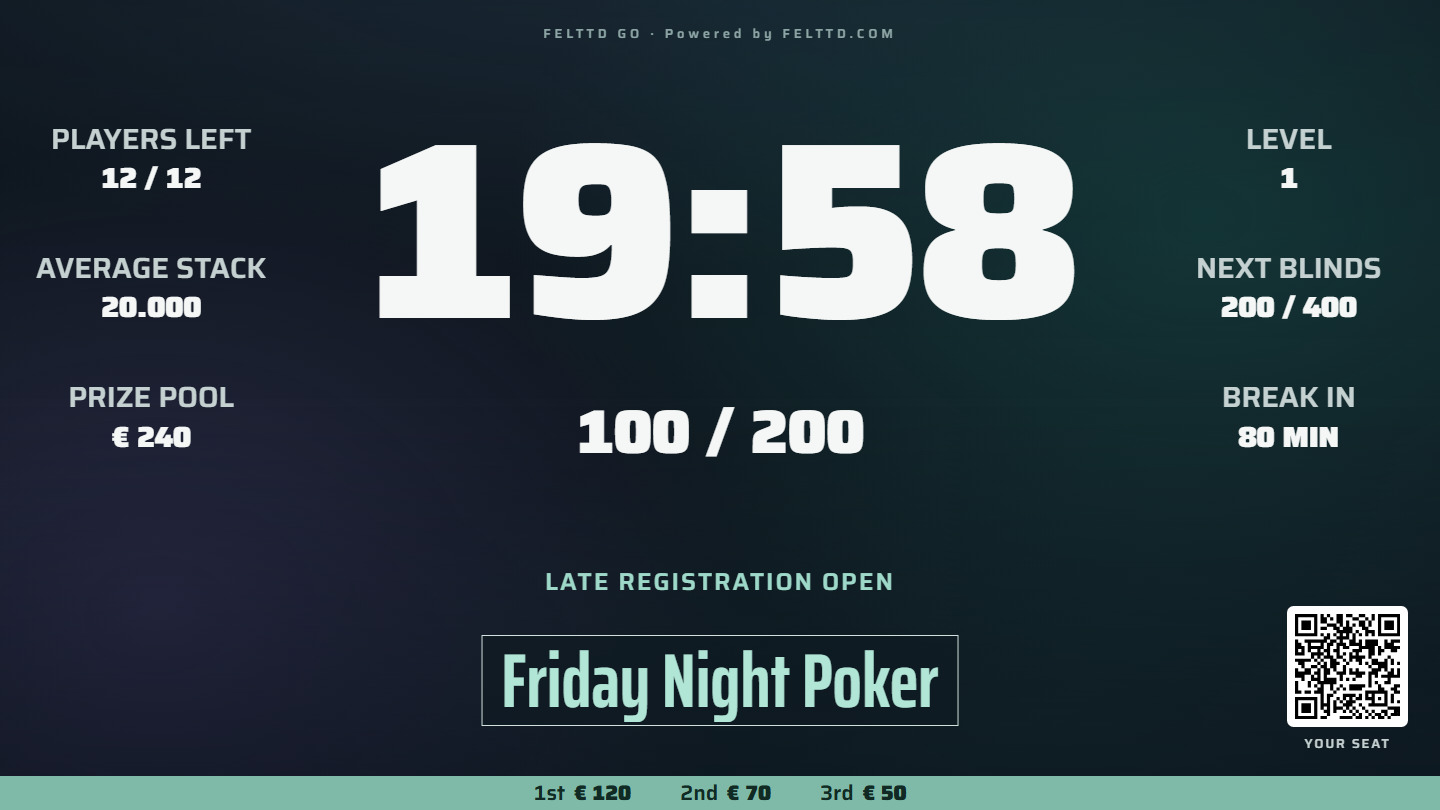
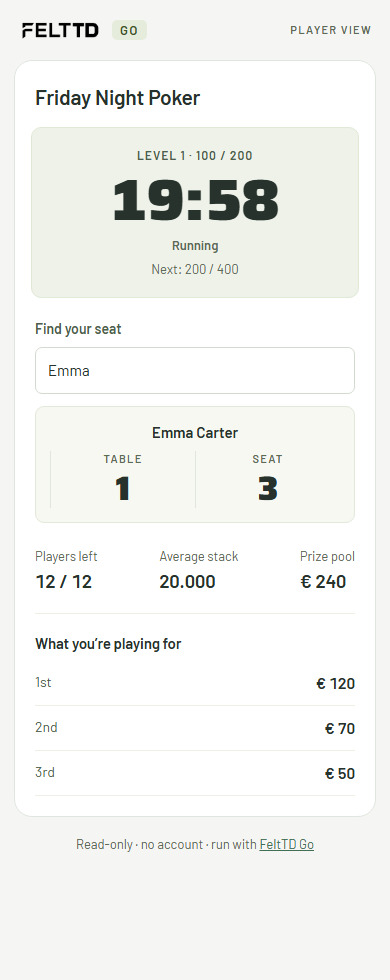
The TV shows your game on a Classic Aurora clock. Players scan its QR to open their own page: the time, their seat and the prizes. Their page is read-only; the manager link stays with the organiser.
- A code for the TV. Open Go in the TV’s browser and enter the six-letter code.
- A page for the players. Find a seat by name and see what everyone is playing for.
- The same night. The manager, the TV and the player pages follow the same game.
Pick the night.
Name, buy-in, starting stack, rebuys and pace. Go builds the structure for you.
Put the names in.
Paste your player list and choose seats per table. Go draws the seats.
Open the TV.
Use the TV’s browser and a six-letter code. Players scan the QR to find their seat.
Simple, with clear limits.
Go needs internet
Go is hosted online. Unlike the desktop club program, it needs a connection to run the game.
Save your private link
Ask to have it emailed to you, or keep it yourself. Email recovery works only if the link was previously mailed to that address.
A game with a time limit
The game closes after 48 hours. Closed records are kept for 30 days under Go’s published privacy policy.
The details, when you need them.
Open a topic. Keep the rest out of the way.
The same engine as FeltTD, for one night.
- A private manager link: run the clock, add players, record who is out. Anyone with the link can run your game, so keep it to yourself.
- A Classic clock on the TV, any browser, a six-letter code.
- A player page: the clock, their seat and the prizes on their phone. Players can look; only you can change the game.
- Open for 48 hours from the start. Then it closes.
- Download the night before then and the full FeltTD opens that file.
- Lost your link? Go sends it again, but only to an address you had it mailed to.
What Go keeps
Go keeps the game while it is open. Closed records are retained for 30 days without the email address or manager key. See the published privacy page for the current retention and contact details.
Is Go the club program?
Go is for a game with friends. For regular club nights, local operation, leagues, the cash room, multi-day events and the full floor workflow, use the desktop FeltTD.
Your friends.
Your first hand.
Make a game and put the clock on the TV.